Build your SaaS dashboard without starting from zero.
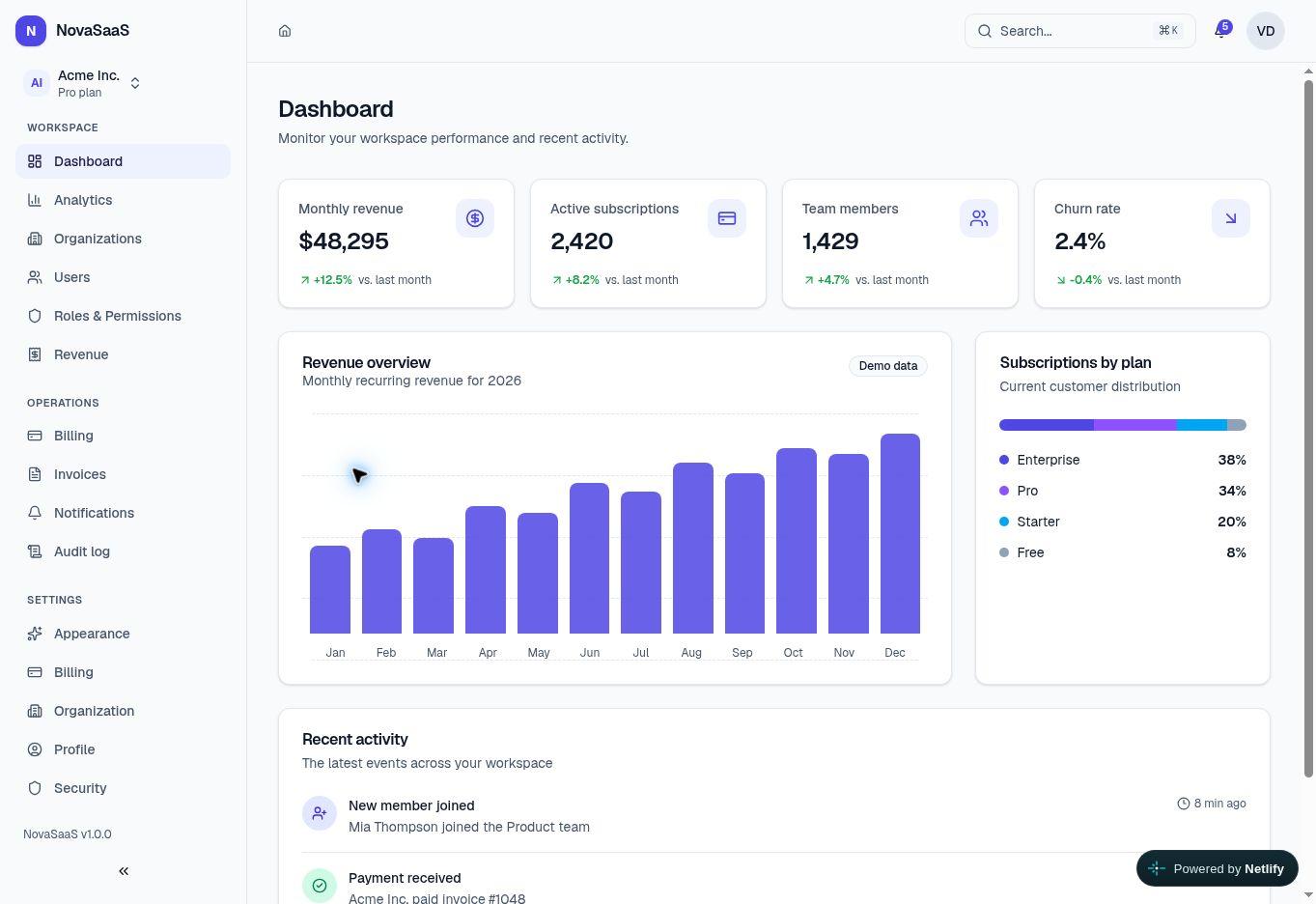
A production-quality frontend foundation built with Next.js, TypeScript, Tailwind CSS, and accessible UI primitives.
- Next.js App Router
- Strict TypeScript
- Responsive
- Tested
Free today, Pro next
Start free and grow with NovaSaaS
The Free edition is ready to use now. NovaSaaS Pro will focus on complete workflows that save even more development time.
NovaSaaS Free
A polished open-source foundation for prototypes, portfolios, and real SaaS frontends.
- Responsive dashboard shell
- Demo authentication flows
- Typed roles and permissions
- Light, dark, and system themes
- Reusable UI component library
- MIT-licensed source code
NovaSaaS Pro
Complete feature modules for developers, founders, and agencies who want to ship faster.
- Advanced analytics and filters
- Production-ready data tables
- User and organization workflows
- Configurable roles and permissions
- Billing and invoice screens
- Additional layouts and API adapters
Early-access registration is open now.
Join the NovaSaaS Pro waitlistNovaSaaS Pro
Get early access to NovaSaaS Pro
Join the waitlist to receive launch updates, early access, and an exclusive introductory discount.
Included in Free
A solid foundation for your next product
Use the complete shell and demo flows, then connect your own backend and business logic.
Responsive dashboard
A polished shell with adaptive navigation for desktop and mobile.
Demo authentication
Accessible login, registration, recovery, and verification flows.
Roles and permissions
Typed demo roles, permission-aware navigation, and route guards.
Light and dark themes
System-aware themes built on reusable semantic design tokens.
Collapsible sidebar
Persistent desktop preferences and a focused mobile drawer.
Command navigation
Permission-filtered keyboard navigation with Cmd or Ctrl + K.